Template maker or invitation platform? Ask before you pay
The Dawaitna Team · 2026-10-18
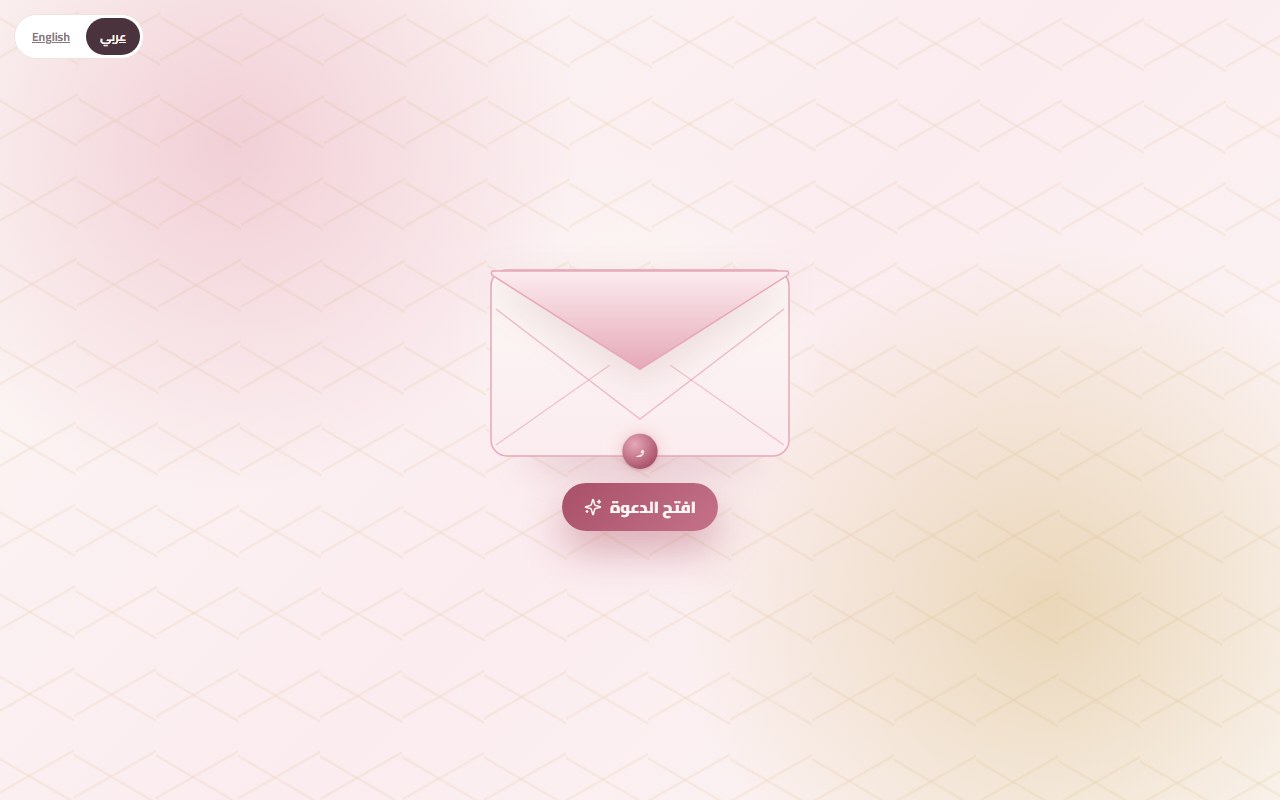
One question settles most of it: after I pay, will I have a link I can open and edit, or a file I send and leave? Both call themselves a "digital invitation". The difference shows up in the week of the wedding, not on the day you buy.
The template maker
You pick a ready look, type the names and the date, and download an image or a PDF. The look is usually nice and it takes minutes. What you hold at the end is a file.
You send that file on WhatsApp to 300 people, and each one answers in their own way. One writes "inshallah", one sends a heart, one asks "what time?" even though the time is printed on it. Then a small change turns up. The hall moved the entrance, or the start moved by half an hour. You send a new image and hope nobody opens the old one.
The platform
A platform gives you a link. The guest opens it and finds an envelope that opens, a countdown, a map with a button that launches Google Maps, a place to reply and a guestbook. If you change the hour, you change it once and everyone sees the new one on the same link.
The numbers build up too. Instead of counting replies in a WhatsApp group, you open your dashboard and see who confirmed, who declined and how many people opened the link at all. Someone who built the page themselves follows this from their own account, under "messages and attendance".
Three tests before you pay
Open the link. Use your phone and a relative's, ideally the oldest phone in the family. If it loads slowly or asks you to download a file, it is not a live page.
Ask where guests reply. If the answer is "send them a separate Google Form", then RSVP is still your problem. It should sit inside the same page.
Ask how you edit after sending. Once the link is out, changing the hour, the hall or the verse should happen from a screen, with no new link.
The usual mistake
People compare the price and nothing else. The template costs this, the platform costs a bit more, so they take the template. Two weeks later they need a group for replies, a spreadsheet kept by hand and a designer to fix the image, and none of that was in the price.
It can go the other way as well. For a family wedding of 50 where everyone knows everyone, an image on WhatsApp may be all you need. Know the size of your wedding first.
How Dawaitna handles it
You build the invitation yourself from the start page. You pick a design, one page asks for the names, the date, the time and the hall's map link, and then you publish. The link stays live free for 24 hours, and after that you subscribe by Instapay or a wallet if you like what you see. A subscribed invitation stays up for two years after the wedding. There is also one free wedding invitation per account, on the Noor design, with names, a day, a place and one song, live for 5 days.
Extras that store data, such as RSVP, the guestbook, hearts and the entry QR pass, add to the price, and the editor says so before you switch them on. The full method is on the pricing page.
Try the first step, then open the link on your mother's phone.