Music and a zaghrouta button on a digital wedding invitation
The Dawaitna Team · 2026-10-16
The first thing that happens when a guest opens the link from WhatsApp is a closed envelope and an "open the invitation" button. The first tap opens the envelope and starts the song at the same moment. That small detail is the gap between a message you read and a wedding invitation.
The song
The song starts as the envelope opens, and not before. The reason is technical: mobile browsers block any sound until the user touches the screen, so the tap that opens the envelope is what starts the audio. The song plays once and does not repeat.
You choose from a bundled library inside the editor: quiet nasheeds, wedding songs and a duff track. The free invitation picks from 3 songs. Listen to the whole song on your own phone before you settle on it, and think about your guests: plenty of them will open the invitation at work or on transport, so a gentle song is safer than a loud one.
The zaghrouta button
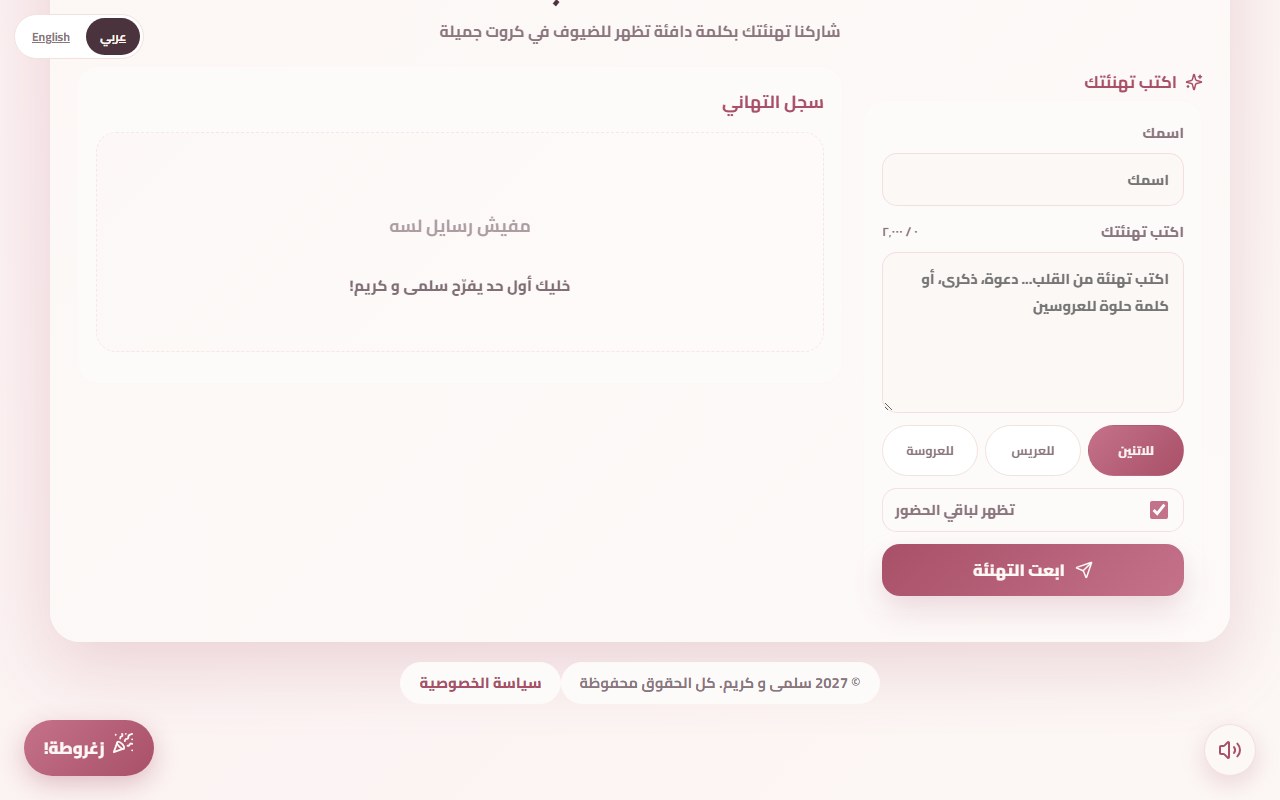
In the corner of the screen sits a "zaghrouta" button that stays in place as you scroll. Whoever taps it hears a zaghrouta and sees a celebration on their own screen: confetti, fireworks, rose petals, lanterns or another effect, and you can pick the one that suits the design. It happens on the phone of the person who tapped and nowhere else, not as a broadcast to other guests.
It suits the people who like to celebrate that way: your aunt who loves a zaghrouta, and the children who will tap it twenty times in a row.
The sound button
Next to it is a round sound button that stops and starts the song at any time. A guest in a meeting can silence it with one tap and carry on reading the details.
Choosing for your guests
The invitation goes to people of every age. If most of your guests are family and neighbours with several older relatives, a quiet nasheed or "Barak Allah Lakuma" fits better. If it is going to friends in their twenties, a faster song or the duff track is closer to the mood of a wedding. A family henna usually loves the duff and the zaghareet, so choose for the mood you want to reach the guest in the first second.
Remember that sound is an extra, not a replacement. If a phone is on silent, or the guest mutes the page, the invitation still has to make sense in words and design alone: the time and the place in front of them without hearing anything.
Common mistakes
- Picking a song without listening to it. A long intro leaves the guest waiting after opening the envelope, so listen to all of it.
- A loud song on a quiet design. Match the song to the design and the mood of the wedding.
- Forgetting the zaghrouta is a section. You switch it on from the editor. It is not in every invitation by default.
- Testing only on a computer. Sound can behave differently on a phone, so try it on your phone and on someone else's.
- Relying on the guest hearing it. If a phone is on silent, nothing plays even though the song is running. Put the time and the place on the page in plain text, not in the song.
Setting them up
In the editor, open the music section and the zaghrouta section. Pick the song, switch on the zaghrouta, and change the celebration if you like. You can edit until the wedding starts, and the link never changes. See both working on the demo invitation. To read how the wishes section behaves, see the digital guestbook post.