What to check before choosing a digital invitation platform
The Dawaitna Team · 2026-10-04
Most couples choose a platform by the look of the design, which is fair. But five things only show up after you publish, and they decide how the last week before the wedding feels. Ask about them before you pay.
1. Is the English version real?
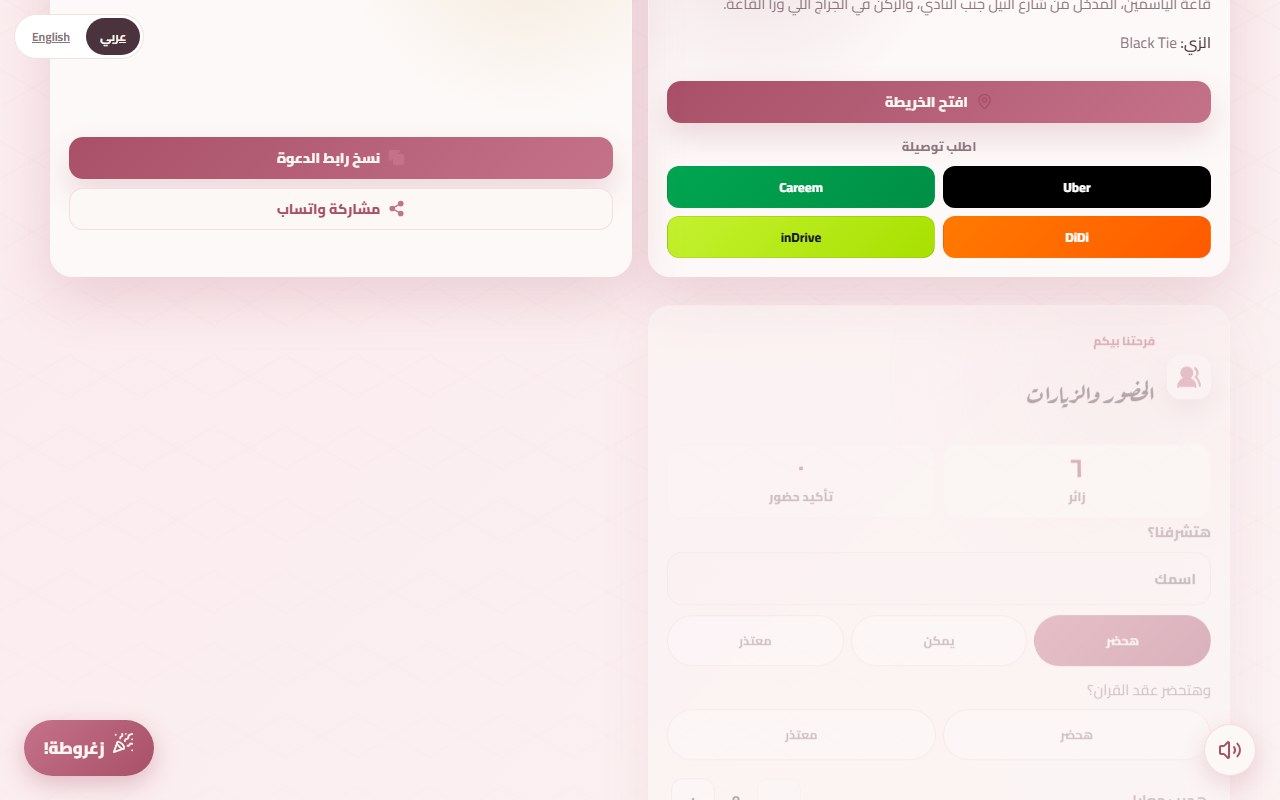
You have a brother in Kuwait, an aunt in Canada and a few colleagues who read English better than Arabic, and the invitation will go out on the family group and the work group. Some platforms put a machine translation over the same page, and the names come out with odd spellings. Open the English version yourself and read the names, the date and the venue. On Dawaitna the invitation has an Arabic and an English version, a switch at the top of the page lets the guest change language, and you type the English names yourself so they appear the way you want.
2. Is the price one number?
The usual mistake is comparing only the design price. Ask what happens when you want an RSVP form and a guestbook. Here the price is the design plus an add-on when the page keeps data (RSVP, guestbook, hearts, the Amen counter, the entry QR pass). A page without those is cheaper, because it is a static page and nothing is stored per guest. All the numbers are on the pricing page, and they are among the lowest in the market. If you only need the basics, there is also a free invitation: names, day, place and one song, for 5 days.
3. How long does it stay up?
Some platforms close the page after a month or two and wipe the photos and wishes without saying so. Ask for the exact period and for what gets deleted. Here it is two years after the wedding, with an extension of two more years at half the price. When the time ends, messages, RSVPs and photos are deleted, so copy any wish you want to keep before then.
4. Do you get a list by name, or a counter?
A counter that says "80 confirmed" does not help the caterer. You need to know who, how many they are bringing, and for which event if you have a henna night, a katb kitab and a wedding. Whoever builds the page follows messages, RSVPs and visit numbers from their own account, under "الرسايل والحضور". We cover the details in the guide to tracking RSVPs.
5. Does anyone answer when something breaks?
The link is wrong, or the bride's name has a typo, two days before the wedding. Send a test question to the platform's WhatsApp before you pay and see how long the reply takes. Ours are answered Saturday to Thursday, 10 am to 6 pm, and payments are confirmed by hand by the team over WhatsApp, so there is no contact form that replies after a few days. If the mistake is on the page itself, you fix it in the editor until the event starts. The link stays the same.
Test it before you decide
The quickest check is to open the demo invitation and tap every button, then start your own. One page asks for everything the invitation needs to go live, and you see the result on your phone. After you publish it stays up for 24 hours without payment, so send it to two people you trust and ask whether they understood where to go and when.