Wedding invitation timeline: what to send and when
The Dawaitna Team · 2026-10-14
The slowest part of wedding planning is the guest list, not the invitation. When invitations were printed cards, they had to be ordered a month ahead. Now an invitation is a link, so the timeline has changed. This is a working order from start to finish.
8 to 10 weeks out: lock the list
The list decides the number of chairs, the budget and sometimes the hall itself. Sit down with both families, agree on a number, then a list of names. A name that appears twice, once from family and once from friends, is better found now than on the night. Think about guests abroad too: a brother in Kuwait or an aunt in the States needs to book leave and a ticket, so they need the date early. Send them a short "save the date" with the date and the city, without the invitation itself.
6 to 8 weeks out: build the invitation
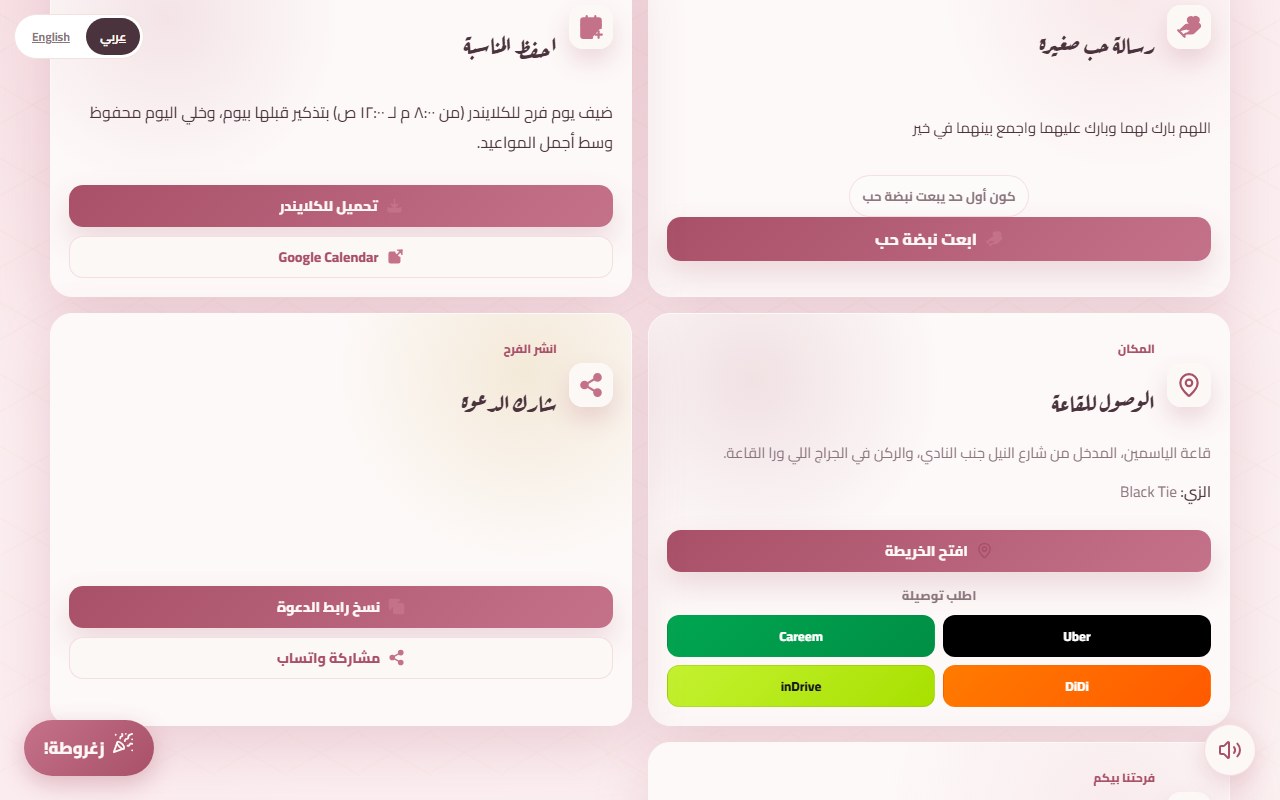
A digital invitation takes a day. On the start page, one page asks for the names, the date, the time and the place (a Google Maps link). After that you add what you want from the editor: a schedule if you have a henna and a katb kitab, RSVP, music. Pick the design on the themes page. If you only need something basic there is a free invitation on the Noor design, but it stays live for 5 days, so publish it a few days before the wedding, not weeks.
Once published, the page stays live for 24 hours without payment, then closes to visitors until you pay. So publish it, send it to yourself and two relatives, check that everything is right, and then pay.
4 to 6 weeks out: send it
Drop the link into the family group, the friends group and the work group. The guest opens it on a phone and sees the envelope. Put the RSVP deadline in your message. You can get the wording right with the WhatsApp message guide. If you add a guest list in your account (or the agent does), each guest gets a personal link with their own name, so you never lose track of who replied.
2 to 3 weeks out: replies and reminders
Open "الرسايل والحضور" and see who has replied. Someone who has not usually saw the message and forgot, so a private nudge is enough. Set the deadline a week before you give the final number to the hall, so there is still time to change a figure.
The last week: check
- Open the invitation on a guest's phone, not yours, and try the map button and the Careem or Uber button. The venue map post explains why this removes half the calls on the day.
- Recheck the times. If the henna or the contract moved, edit it and guests see it on the same link.
- If you switched on the entry QR pass, arrange for someone to scan at the door from their phone.
The day and after
You can edit until the wedding starts. Afterwards the page stays live for two years, so friends who could not come can still read the wishes. Copy any message you want to keep before the period ends.
What changed from cards
Two steps are gone from the timeline: design and printing, and delivering by hand or by post. And if you get an hour or a name wrong, you edit it and everyone sees the fix. There is no misprinted card.